















What changed
Bridges, gas refuel and swaps for popular Kava assets arrive in HOT Wallet. This update is part of HOT Labs' work to make Kava easier to use from one self-custody wallet.
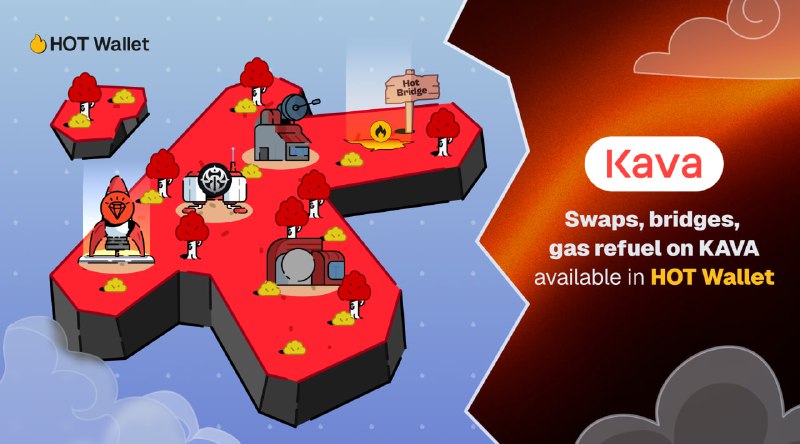
What you can do with Kava in HOT Wallet
- Use dApps on Kava. Connect to supported Kava applications from the HOT browser extension.
- Stake KAVA. Use supported Kava staking opportunities and review terms before delegating assets.
- Bridge Kava assets. Move KAVA and supported tokens when a route is available in HOT Wallet.
Integrated apps and infrastructure
The current Kava experience connects wallet features with HARD.fun, LI.FI, Uniswap, NEAR Intents, HOT Exchange. Availability can vary by asset, region, route, and third-party protocol. Always review the final transaction details before confirming.
Why it matters
Users should not need to manually coordinate accounts, gas, apps, and cross-chain routes for every action. HOT Wallet brings those steps into one interface while users retain control of their accounts and approvals.
Get started
Open HOT Wallet, select Kava, and choose the relevant wallet, staking, swap, bridge, or app flow. Confirm the network, asset, route, fees, and destination before signing.


